Lip Sync
Upload a photo, enter a script or audio, and watch your character come to life with perfectly synchronized lip movements. Up to 10 minutes long.
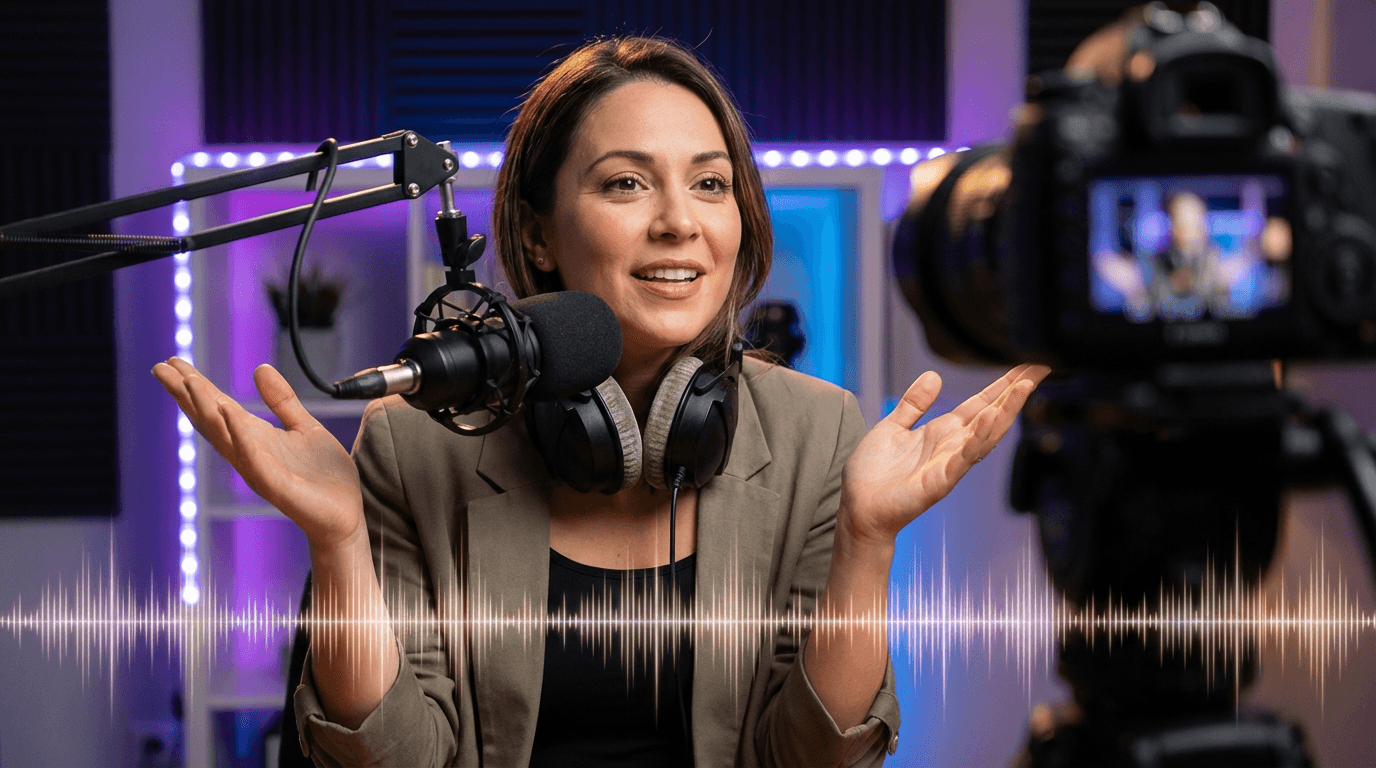
How It Works
Get Started
Upload a Photo
Upload a clear, front-facing photo of the person you want to animate.
Enter Script or Audio
Type your script and choose a voice, or upload your own audio file.
Generate Talking Video
Our AI generates a realistic lip-synced video ready to download and share.
Features
Powerful Lip Sync Features
Up to 10 Minutes
Create long-form talking head videos — perfect for tutorials, presentations, and storytelling.
Script or Audio Input
Type text for AI-generated speech, or upload your own audio for precise control.
Multiple Languages
Supports English, Spanish, French, German, Japanese, Chinese, and many more languages.
Realistic Sync
Advanced AI ensures mouth movements match audio naturally with proper timing.
Photo or Video Input
Use a single photo or an existing video as your base — both work perfectly.
Natural Voice Generation
Multiple voice options with natural intonation and expression for text-to-speech.
Gallery
See What You Can Create
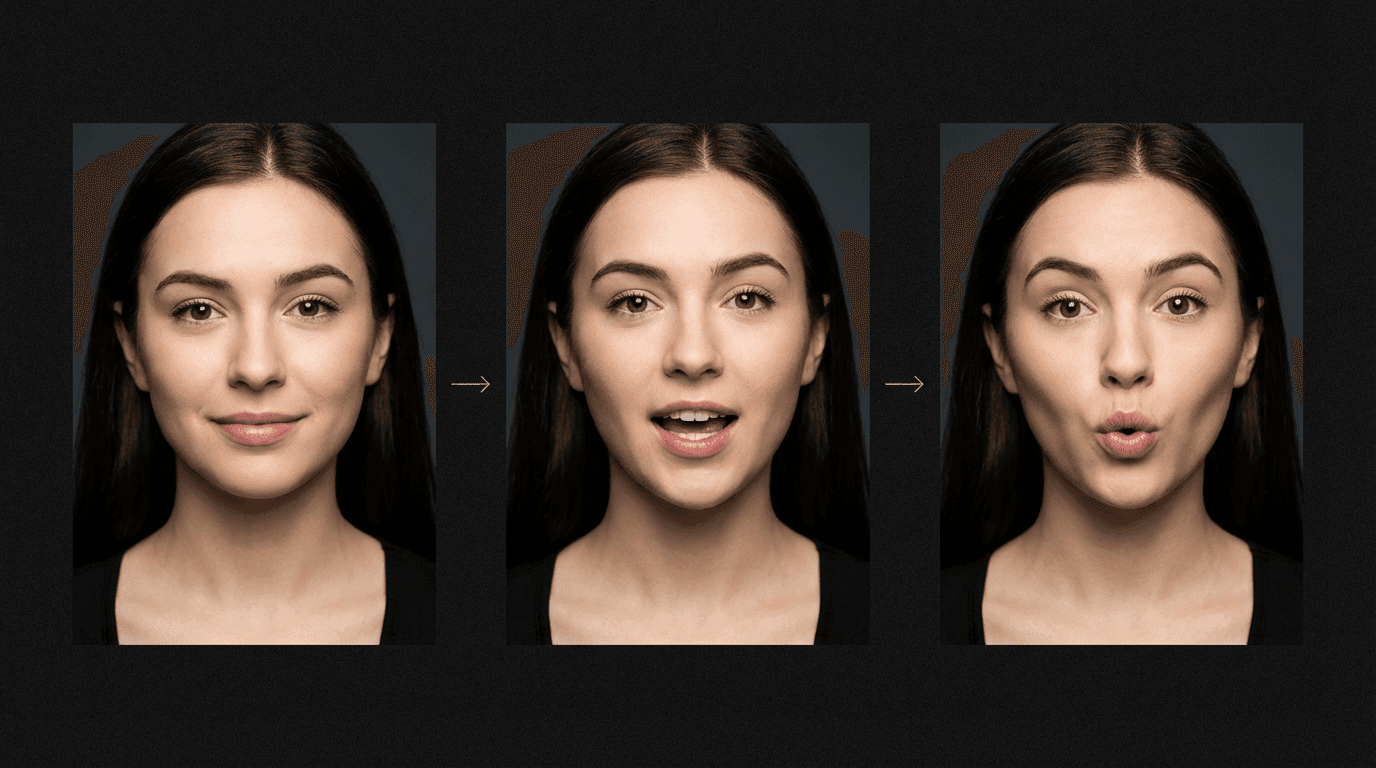
Lip sync sequence showing three mouth positions





Trusted by over 300,000+ creators
Testimonials
Creators Love MakeInfluencer.ai
Tried this on a whim last week and honestly can't stop using it. Made my first AI influencer for Instagram — the photos look scarily real. The lip sync feature is insane for reels, getting me way more engagement than I expected.

“Was messing around with Stable Diffusion for months trying to get consistent faces. This does it in like 2 clicks. The image quality is seriously good for what you pay.”

“Created a fitness influencer and the motion control feature is what hooked me. She can actually do workout demos and it looks real. My TikTok blew up with the exercise videos.”

“I've tried a bunch of AI image tools as a developer. The character consistency here is genuinely impressive — same face across every clip without me having to fiddle. Using it for a tech review character on YouTube Shorts and it works way better than expected.”
“Started with one character just for fun, now I'm running three different ones. Each has their own look and personality. The video models keep getting better with every update too.”

FAQ
Frequently Asked Questions
Make Your Characters Talk
Join 300,000+ creators using AI lip sync to bring their content to life.
Start creating in minutes · Pay as you go